
1. Styling settings
1.1 Brand name
1.2 Colors
1.3 Logo
1. Styling settings
The styling of Dairy Analytics can be customized to match your company's colors. This can only be done by 'administrator login'.
The settings can be found by going to Dairy Analytics à Settings à Styling.
1.1 Brand name
By default, the brand name is set to ‘Dairy Analytics’. This can be changed to the brand name that suits your company. To do this, you can enter a name under 'Brand name'. This will then be shown at the top left of the program, where 'Dairy Analytics' is currently shown.
1.2 Colors
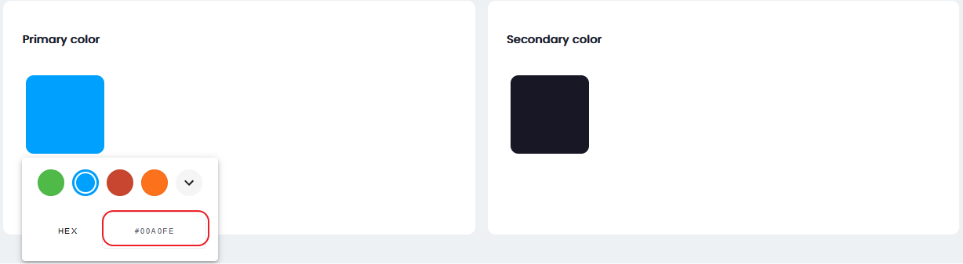
Colors can be customized to your company's colors. You have the option of setting 2 colors. Also, you can choose specific color codes here so that this always matches your company's colors.
1.3 Logo
You can also add your company's logo to Dairy Analytics. To do this, you can upload a logo under ‘Logo’. This logo will then always be shown at the top of Dairy Analytics.